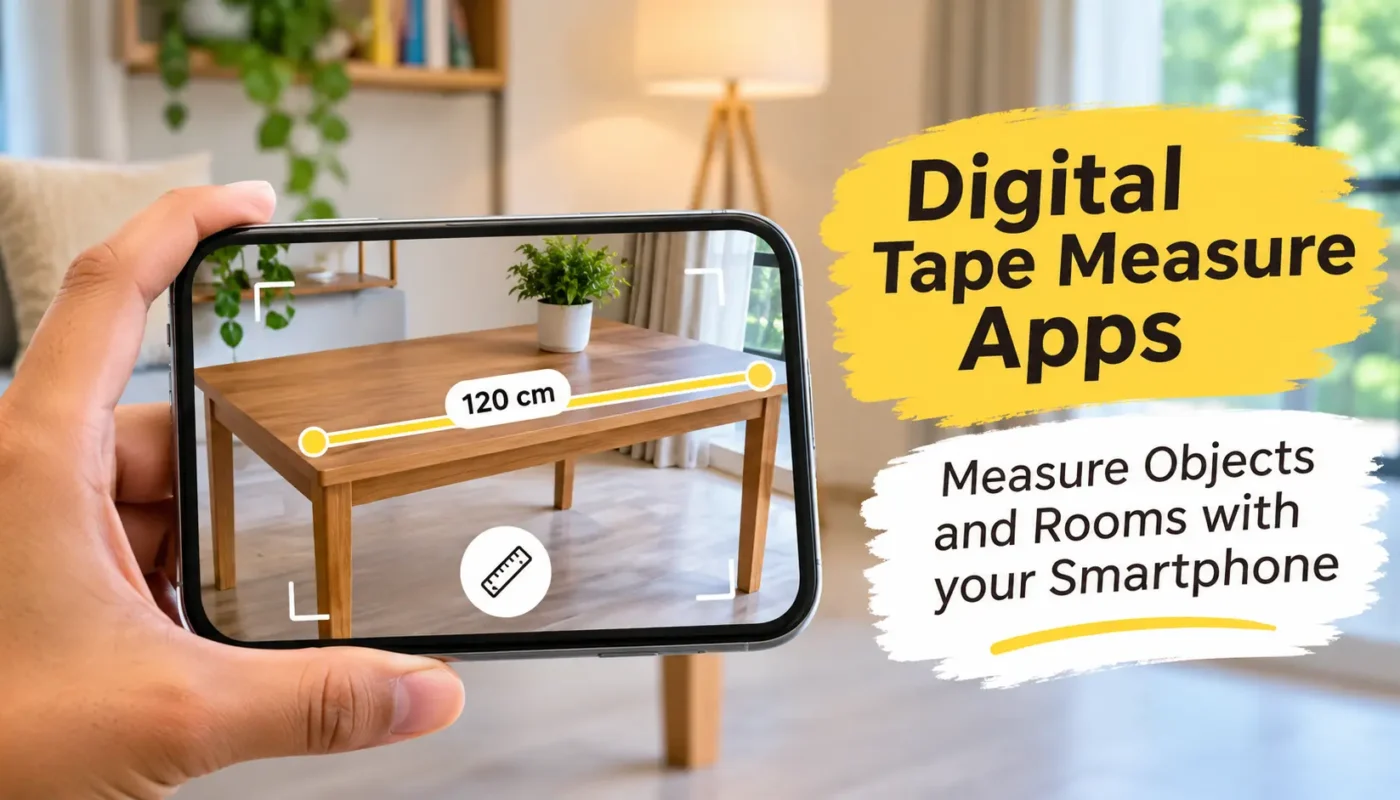
Have you ever wanted to measure a table, wall, door or room but couldn’t find a measuring tape? Your smartphone may be able to help. With a digital tape measure app, you can use your phone’s camera and augmented reality (AR) technology to estimate the dimensions of everyday objects and spaces.
These measuring apps can be useful when arranging furniture, planning a home renovation, checking room dimensions or working on small DIY projects. Instead of carrying a physical ruler everywhere, you can try a measuring tool directly from your smartphone.
In this guide, we explore digital tape measure apps for Android and iPhone, their features, how to use them, and what you should know before relying on their measurements.
What Is a Digital Tape Measure App?
A digital tape measure app is a mobile application that allows users to estimate the length, height, width or distance of objects using smartphone technology.
Depending on the application and device, these tools may use:
- Smartphone cameras
- Augmented Reality (AR)
- Motion sensors
- Computer vision technology
- LiDAR sensors on supported devices
Some applications provide a simple virtual ruler, while others offer additional tools for measuring rooms, calculating surface areas and creating basic floor plans.
The available features and measurement accuracy depend on the phone’s hardware and the application being used.
Best Digital Tape Measure Apps for Android and iPhone
There are several measuring applications available through official app stores. Here are two options to explore.
1. Tape Measure Measurement Ruler – Android
Developer: Tasmanic Editions
Android users can try the Tape measure Measurement ruler application available on Google Play.
The app uses augmented reality technology and the smartphone camera to create a virtual measuring tool. It also provides features for estimating dimensions and creating room layouts.
Some of its listed features include:
- Virtual tape measure and ruler
- Horizontal and vertical measurements
- Object height and width estimation
- Room floor-plan creation
- Area measurement
- Metric and imperial measurement units
- 2D floor-plan tracing with 3D export options
The application uses Google ARCore for its Android AR measurement functionality. Therefore, the experience may vary depending on device compatibility.
Download for Android:
Get Tape Measure Measurement Ruler on Google Play
2. Tape Measure™ – iPhone and iPad
Developer: Level Labs, LLC
iPhone and iPad users can explore Tape Measure™ by Level Labs.
This application combines several measurement-related tools in one place. In addition to measuring distances, it lists features for room planning, levelling and object sizing.
Its listed features include:
- Digital tape measure
- Virtual ruler
- Height measurement tool
- Bubble level
- Area measurement
- 2D and 3D floor plans
- 3D scanning
- TV size measurement
- Surface level
- Flashlight
One important detail is that certain advanced features require compatible hardware. For example, the 3D Floor Plan feature requires a LiDAR-enabled iPhone or iPad.
The application is listed as free with in-app purchases. Additional tools and an ad-free experience are available through its optional Pro subscription.
Download for iPhone:
Get Tape Measure™ on the Apple App Store
Why Use a Digital Measuring App?
A measuring application can be useful in many everyday situations. Since most people carry their smartphones throughout the day, having a measurement tool readily available can save time.
Here are some practical examples.
1. Measure Furniture Before Buying
Imagine finding a beautiful sofa or dining table in a furniture showroom. Before purchasing it, you may want to check whether it will fit into your available space.
A measuring app can help you estimate the dimensions and plan the furniture arrangement.
2. Check Wall and Door Dimensions
When planning home improvements, you may need to estimate the width of a wall, the height of a door or the size of a particular area.
A digital measuring tool can provide a convenient preliminary measurement.
3. Plan Your Room Layout
Some measuring apps offer floor-plan features that allow users to create basic room layouts.
These features can help when planning furniture placement, interior arrangements or available floor space.
4. Useful for DIY Projects
If you enjoy small home improvement projects, a measuring application can help you check approximate dimensions before starting.
However, always verify important measurements with a suitable physical measuring instrument.
How to Measure Objects Using a Digital Tape Measure App
The exact process depends on the application, but most camera-based measuring tools follow a similar procedure.
Step 1: Install the Application
Open Google Play or the Apple App Store and install the compatible measuring application.
Step 2: Open the Measuring Feature
Launch the application and select the tape measure, ruler or distance measurement option.
Step 3: Allow Camera Access
If the application requires camera access, review the permission request and allow it when appropriate.
Step 4: Scan the Area
Slowly move your phone around the object or surface you want to measure. This helps the application identify the surrounding environment.
Step 5: Select the Starting Point
Place the virtual measurement marker at the beginning of the object or distance.
Step 6: Select the Ending Point
Move your phone towards the other end and place the second marker according to the application’s instructions.
Step 7: Check the Measurement
Read the estimated measurement displayed on the screen. Check the selected unit and repeat the process if necessary.
Tips for Getting Better Measurement Results
Digital measurement tools are convenient, but the results can vary depending on environmental conditions and smartphone capabilities.
Try these tips to improve your experience:
- Use good lighting: A clearly visible environment can help camera-based systems detect surfaces.
- Move your phone slowly: Avoid sudden camera movements while scanning.
- Keep the object visible: Make sure your hand does not block the area being measured.
- Follow calibration instructions: Complete any setup or surface-detection steps suggested by the app.
- Choose the correct measurement unit: Check whether the app is displaying inches, feet, centimetres or metres.
- Take multiple readings: Repeat important measurements to compare the results.
- Check device compatibility: Some advanced measuring features require specific sensors or hardware.
Can You Measure an Entire Room With Your Smartphone?
Some digital measuring applications include room measurement and floor-plan features.
Depending on the application, users may be able to estimate room dimensions, trace walls and create basic 2D or 3D floor plans.
These tools can be useful when:
- Planning furniture placement.
- Estimating available floor space.
- Preparing for interior decoration.
- Comparing room layouts.
- Planning basic home improvement projects.
However, not every smartphone supports every feature. Always check the application’s device requirements before downloading it.
Digital Tape Measure App vs Traditional Measuring Tape
Both digital and traditional measuring tools have their own advantages.
| Feature | Digital Measuring App | Traditional Tape |
|---|---|---|
| Convenience | Available on a smartphone | Must carry separately |
| Quick estimates | Yes, on compatible devices | Yes |
| Camera-based measurement | Supported by some apps | Not applicable |
| Physical measurement reference | No | Yes |
| Measurement reliability | Depends on device and conditions | Depends on correct usage |
| Professional construction work | Requires verification | More suitable with proper technique |
A smartphone measuring app is useful for quick estimates and everyday planning. A traditional measuring tape remains an important tool when accurate physical dimensions are required.
Are Digital Tape Measure Apps Free?
The availability of free features depends on the individual application.
The Android Tape measure Measurement ruler listing includes advertisements and in-app purchases.
The iPhone Tape Measure™ application is listed as free with in-app purchases. Its optional Pro subscription provides access to additional features and an ad-free experience while the subscription is active.
Before starting a free trial or purchasing a subscription, check the current price, renewal conditions and payment terms shown in the official app store.
Important Limitations of Smartphone Measuring Apps
Although these applications can be useful, they should not be treated as replacements for professional measuring equipment.
Measurement results may be affected by:
- Camera quality and sensor capabilities.
- Lighting conditions.
- Object shape and surface visibility.
- Smartphone movement.
- Incorrect placement of measurement points.
- Device compatibility.
For construction, electrical installation, furniture manufacturing, cutting materials or other tasks where precise dimensions are essential, use an appropriate physical measuring instrument or professional equipment.
Frequently Asked Questions (FAQs)
1. Can I use my phone as a digital tape measure?
Yes. Compatible smartphone applications can use the camera and augmented reality technology to estimate the dimensions of objects and spaces.
2. Which is a good digital tape measure app for Android?
Tape measure Measurement ruler by Tasmanic Editions is one option available on Google Play. Check its device compatibility and current features before installing it.
3. Is there a tape measure app for iPhone?
Yes. Tape Measure™ by Level Labs, LLC is available through the Apple App Store for compatible Apple devices.
4. Can I measure a room using my smartphone?
Some measuring applications provide room measurement and floor-plan features. The available functions depend on the application and smartphone hardware.
5. Do digital tape measure apps require internet access?
Some features may work without an active internet connection after installation, but requirements vary between applications. Check the developer’s instructions for the specific app.
6. Are smartphone measuring apps accurate?
They can provide useful estimates, but accuracy varies according to the device, camera, lighting, surface and measurement technique. Important measurements should always be verified.
7. Can I use a digital measuring app for house construction?
You can use it for preliminary planning and approximate measurements. However, do not rely on smartphone measurements for critical construction dimensions. Use suitable professional measuring equipment.
8. Does every Android phone support AR measuring?
No. Some AR-based applications require Google ARCore-compatible devices. Check the application’s compatibility information before installation.
Final Thoughts
Digital tape measure applications offer a convenient way to estimate the dimensions of everyday objects using a smartphone. Whether you want to check furniture sizes, plan a room layout or measure a wall, these tools can make simple measurement tasks easier.
Android users can explore Tape measure Measurement ruler, while iPhone users can try Tape Measure™ by Level Labs.
Remember that the available features depend on your device, and digital measurements are not always suitable for tasks requiring high precision. For important construction and installation work, always verify dimensions using an appropriate physical measuring tool.
If you are interested in useful smartphone tools and practical home technology, exploring these measuring applications can be a good place to start.
Disclaimer
This article is provided for general informational purposes only. Application features, pricing, subscriptions, availability and device compatibility may change. We are not the developers or owners of the applications mentioned. Please review the official app-store listings, permissions and privacy policies before installation. Smartphone-based measurements are estimates and should not replace professional measuring equipment for critical work.