Have you ever wondered whether your car or bike has an unpaid traffic challan? With the increasing use of traffic surveillance cameras and digital enforcement systems across India, vehicle owners may receive traffic fines without being stopped by a traffic police officer.
The good news is that you no longer need to visit a traffic police station or RTO office just to check your pending traffic fines. You can check your vehicle’s e-Challan status online using your mobile phone or computer.
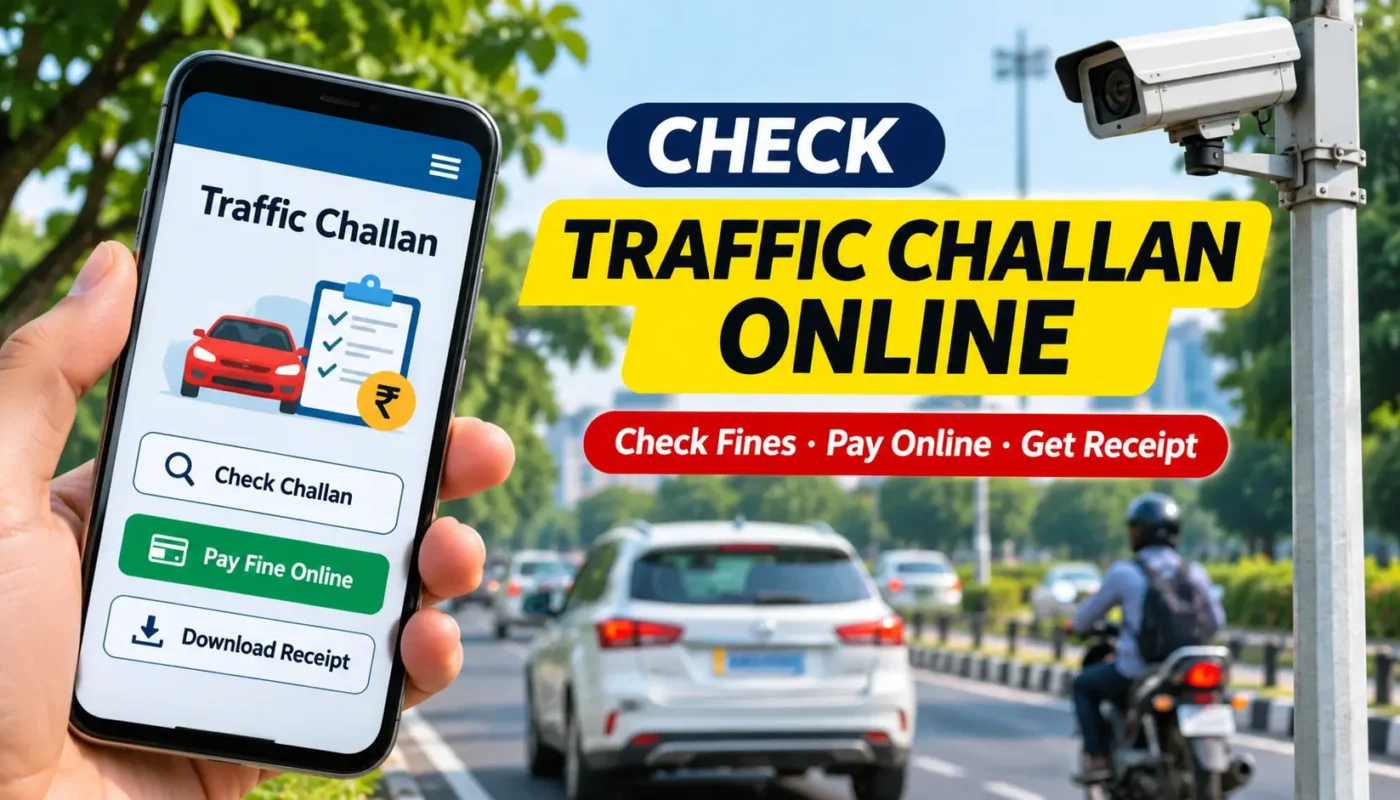
The Government of India’s official e-Challan portal allows vehicle owners to check pending challans, view violation details, make online payments, download payment receipts and submit grievances.
In this guide, we will explain how to check traffic challans online in India, how to pay traffic fines using UPI or other available payment methods, and what to do if you receive an incorrect challan.
What Is an e-Challan?
An e-Challan is an electronically generated traffic violation notice issued by authorised traffic enforcement authorities.
It is part of India’s digital traffic enforcement system, developed under the Ministry of Road Transport and Highways (MoRTH).
Traffic violations can be recorded through surveillance cameras, automated number plate recognition systems and traffic enforcement officers. Depending on the violation and the applicable enforcement system, a challan may be generated against the vehicle or driving licence.
Common traffic violations include:
- Driving without wearing a seat belt.
- Riding a two-wheeler without wearing a helmet.
- Jumping a red traffic signal.
- Overspeeding.
- Using a mobile phone while driving.
- Driving without valid vehicle documents.
- Parking in restricted areas.
- Other violations of applicable traffic regulations.
Vehicle owners can check the available challan information online without visiting a government office.
How to Check Traffic Challan Online Using Vehicle Number
You can check your pending traffic fines through the official e-Challan website of the Government of India.
Follow these simple steps.
Step 1: Visit the Official e-Challan Website
Open Google Chrome or any other browser on your mobile phone or computer.
Visit the official website:
Make sure that you are accessing the genuine government website before entering your vehicle information.
Step 2: Select Check Pending Challan Status
Once the website opens, look for the Check Pending Challan Status option.
Select this option to proceed to the challan search page.
Step 3: Enter Your Vehicle Registration Number
You can generally search for challan information using one of the following details:
- Vehicle Registration Number
- Challan Number
- Driving Licence Number
Select Vehicle Number if you want to check fines associated with your car or bike.
Enter the registration number correctly.
Step 4: Complete the Captcha Verification
Enter the captcha displayed on the screen. This verification helps prevent automated searches.
Click the Get Details or Submit option to continue.
Step 5: View Your Traffic Challan Details
If any challans are available, the website will display the corresponding information.
Depending on the available records, you may see:
- Challan number.
- Vehicle registration number.
- Date of violation.
- Challan amount.
- Violation details.
- Challan status.
- Issuing department.
- Location of the violation.
Review the information carefully before making any payment.
If no challan is found, it means that no matching record was returned for the information entered. You may still need to check other relevant state or enforcement department portals.
How to Pay Traffic Challan Online in India
Once you have identified an unpaid traffic challan, you can pay it online through the official portal.
Here is the process:
- Visit the official e-Challan website.
- Select the Check Pending Challan Status option.
- Enter your vehicle number or challan number.
- Complete the captcha verification.
- View the pending challan details.
- Select the challan you want to pay.
- Proceed to the payment section.
- Choose one of the payment methods displayed on the official payment gateway.
- Complete the transaction and wait for confirmation.
Depending on the payment gateway, available options may include UPI, debit cards, credit cards or net banking.
After completing the payment, save the transaction details and download the receipt when available.
Important: Never close the payment page immediately after making a transaction. Wait until the website displays the payment confirmation.
How to Check and Pay Kerala Traffic Challan Online
Vehicle owners in Kerala can also use the online services provided by Kerala Police.
The Kerala Police online payment portal provides a facility to check unpaid charge memos using a vehicle registration number.
Follow these steps:
- Visit the official Kerala Police payment portal:https://payment.keralapolice.gov.in/
- Enter your vehicle registration number.
- Click the Submit button.
- Check the list of unpaid charge memos displayed on the screen.
- Review the available details.
- Select the charge memo you want to pay.
- Follow the payment instructions displayed on the portal.
- Complete the payment and save the confirmation.
You can refer to the official payment instructions here:
https://www.payment.keralapolice.gov.in/epayment%20help.pdf
Note: Kerala Police charge memos and MoRTH e-Challans may be maintained through different systems. If you cannot find a particular fine on one portal, check the other relevant official service as well.
How to Download Traffic Challan Payment Receipt
After paying a traffic fine online, it is important to keep a copy of the payment receipt.
The receipt can be useful if you need to verify the transaction or resolve a payment-related issue later.
To download your receipt:
- Open the official e-Challan portal.
- Select Download Payment Receipt.
- Enter the required challan number, vehicle number or driving licence number.
- Complete the captcha verification.
- Retrieve your payment details.
- Download or print the receipt if the successful transaction is available.
The receipt generally contains the challan number, vehicle details, payment amount, transaction information and payment date.
Keep a digital copy on your phone or computer for future reference.
What Should You Do If You Receive a Wrong Traffic Challan?
Sometimes, vehicle owners may receive a challan that appears to be incorrect.
For example, the vehicle number may have been recorded incorrectly, the vehicle may have been misidentified, or the violation details may not match the actual incident.
If you believe that a challan has been issued incorrectly, do not ignore it.
Follow these steps:
- Open the official e-Challan portal.
- Search for the challan using the relevant details.
- Review the violation description, date, location and available evidence.
- Select the Raise Grievance option if you believe the challan is incorrect.
- Provide the required details and supporting information.
- Submit your complaint.
- Save the grievance reference number to track its status.
The concerned authority will review your complaint and take the appropriate action.
Submitting a grievance does not automatically cancel the challan. You should follow the official instructions until the matter is resolved.
What to Do If Money Is Deducted but the Challan Still Shows Pending?
This is a common concern when making online payments.
Sometimes, money may be deducted from your bank account, but the challan status may not immediately change.
In such situations:
- Do not immediately make another payment.
- Visit the official e-Challan website.
- Select Check Pending Transaction.
- Enter the required challan or vehicle details.
- Check the transaction status.
- Follow the portal’s payment verification instructions.
If the payment remains unresolved, contact the official e-Challan helpdesk.
e-Challan Helpdesk
- Phone: 0120-4925505
- Email: helpdesk-echallan@gov.in
Keep your transaction ID and payment details ready when contacting the support team. Never share your banking password, card PIN or OTP.
How to Avoid Fake Traffic Challan Payment Websites
Online payment scams are becoming increasingly common. Fraudsters may send fake SMS or WhatsApp messages claiming that a traffic fine is pending against your vehicle.
These messages may contain links to websites that look similar to government payment portals.
Before paying any traffic fine, remember these safety tips:
- Always visit the official government website directly.
- Check the website address before entering vehicle details.
- Avoid clicking suspicious payment links received through SMS or WhatsApp.
- Never share your UPI PIN, ATM PIN or banking password.
- Do not install unknown applications claiming to help you pay traffic fines.
- Never share OTPs with anyone claiming to be from the traffic police.
- Download receipts only from the official payment portal.
The official e-Challan portal specifically warns users about fraudulent websites and mobile applications impersonating its services.
Frequently Asked Questions (FAQs)
1. How can I check traffic challan online using my vehicle number?
Visit https://echallan.parivahan.nic.in/, select Check Pending Challan Status, enter your vehicle registration number and complete the captcha verification to view available challan details.
2. Can I check traffic fines using my mobile phone?
Yes. You can use any smartphone with an internet connection and a web browser to access the official e-Challan portal.
3. Can I pay traffic challan online using UPI?
Yes, if UPI is available as a payment option on the official payment gateway. Other payment methods may also be available depending on the transaction.
4. Is it possible to check traffic challan without a challan number?
Yes. The official portal provides a vehicle number search option. You can also search using other supported details, such as your driving licence number.
5. How can I check Kerala traffic fines online?
Visit the Kerala Police payment portal at https://payment.keralapolice.gov.in/, enter your vehicle registration number and check the available unpaid charge memos.
6. What happens if I do not pay a traffic challan?
An unpaid challan may remain outstanding and can lead to further legal or administrative action under applicable traffic laws. The consequences depend on the nature of the violation and the relevant authority’s procedures.
7. Can I download my traffic challan payment receipt?
Yes. The official e-Challan portal provides a Download Payment Receipt facility for eligible successfully paid transactions.
8. What should I do if my traffic challan is incorrect?
Check the violation details and submit a grievance through the official e-Challan portal using the Raise Grievance option. Include the relevant information and supporting evidence.
9. Is the e-Challan website an official government website?
Yes. The official e-Challan portal is an initiative of the Ministry of Road Transport and Highways, Government of India.
Final Words
Checking your vehicle’s traffic challan status online is a simple way to stay informed about pending traffic fines. With the official e-Challan portal, you can check available violations, pay fines, download receipts and raise grievances without visiting a traffic police office.
Whether you own a car, motorcycle or another registered vehicle, checking your challan status periodically can help you avoid overlooking pending fines.
Always use official government websites for checking and paying traffic challans. Follow traffic rules, drive responsibly and stay safe on the road.
Official Websites and Useful Links
- Government of India e-Challan Portal: https://echallan.parivahan.nic.in/
- Kerala Police Official Website: https://keralapolice.gov.in/
- Kerala Police Online Payment Portal: https://payment.keralapolice.gov.in/