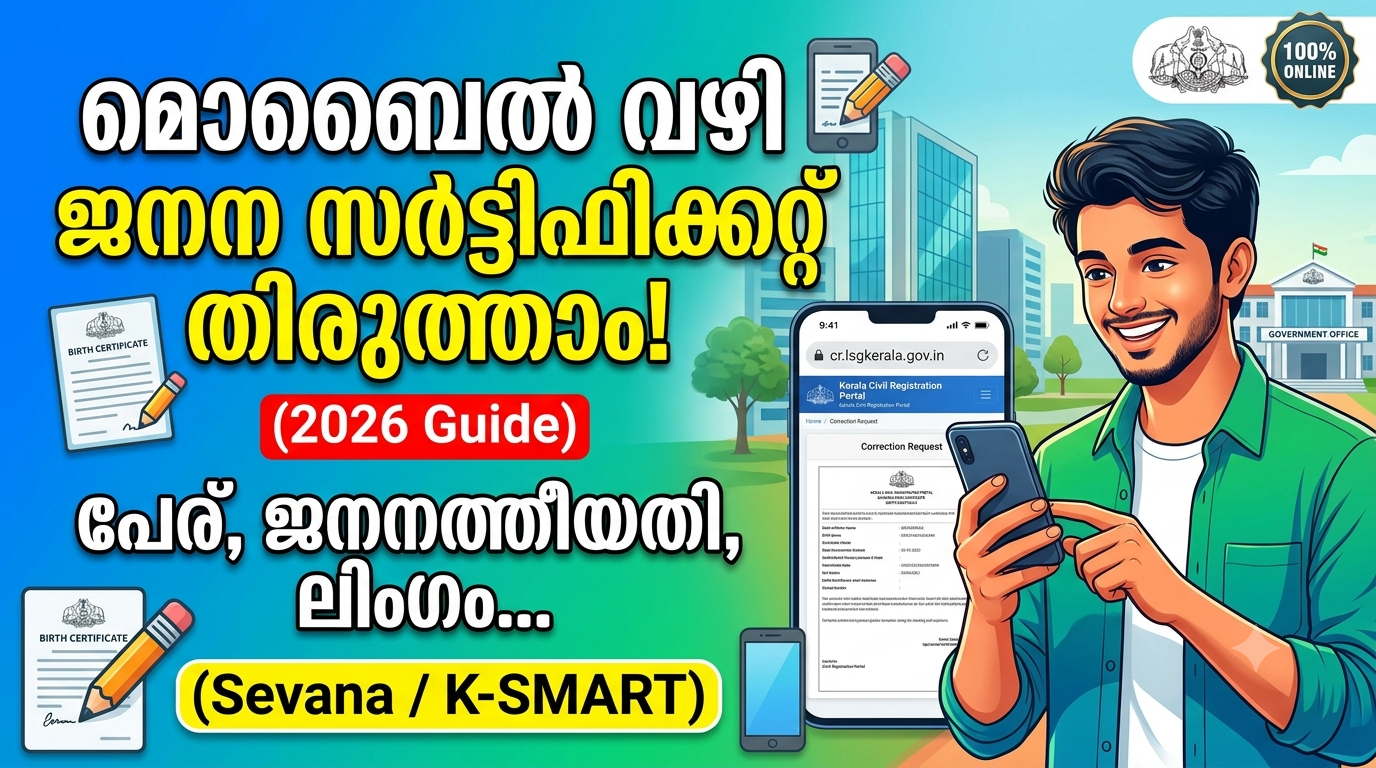
Have you noticed a mistake in your birth certificate? Errors in your name, date of birth, parents’ names, gender, or other details can create major hurdles when applying for a passport, Aadhaar updates, school admissions, or other government services.
Fortunately, Kerala’s digital governance portals—such as K-SMART and the Sevana Civil Registration Portal—allow citizens to check records and apply for corrections. However, submitting a request online requires proper documentation and verification by the registering authority.
This comprehensive guide explains how to check your birth certificate details, identify errors, prepare required documents, and complete the correction process.
What Details Can Be Corrected in a Birth Certificate?
Depending on applicable rules and the nature of the error, you can request corrections for:
Child’s name or spelling mistakes
Date of birth
Gender recording
Father’s or mother’s name and spelling
Other incorrect entries in the birth register
Note: Minor spelling errors and major changes (like changing a complete name or date of birth) follow different verification procedures.
Documents Required for Birth Certificate Correction
Before submitting your application, keep the following documents ready (requirements vary based on the specific correction):
Existing Birth Certificate or registration details.
Hospital Birth Record or discharge summary (where applicable).
Parents’ Identity Proof (Aadhaar, Voter ID, etc.).
School Records or academic certificates (if applicable).
Notarized Affidavit or formal declaration specified by the registering authority.
Step-by-Step Guide to Correcting Birth Certificate Details
Step 1: Visit the Official Portals Access Kerala’s official civil registration platforms:
Legacy Portal: Sevana Civil Registration
Modern Urban Portal: K-SMART Kerala
Step 2: Search Your Birth Record Navigate to the certificate search section. Enter your district, local body (Panchayat, Municipality, or Corporation), year of birth, and registration details to locate your record.
Step 3: Check Correction Options Look for citizen services or online correction modules. If direct online editing is unavailable for your local body, you must file a formal application with the local Registrar of Births and Deaths.
Step 4: Submit Corrected Details & Upload Documents Clearly specify the incorrect entry and provide the accurate details supported by official records. Upload clear, readable scanned copies of your supporting documents.
Step 5: Track and Download Submit your application, pay any prescribed nominal fee, and save the acknowledgement reference number. Once verified and approved by the registrar, download your updated, digitally signed birth certificate.
Frequently Asked Questions (FAQs)
Q1. Can I correct my birth certificate using my mobile phone?
Yes, you can access official portals via your smartphone browser to search records and initiate applications.
Q2. How long does the correction process take?
Processing times vary depending on the local body and the type of correction requested, ranging from a few days to several weeks.
Q3. Is there a fee for birth certificate correction?
Nominal government fees may apply depending on the service and the time elapsed since registration. Always request an official receipt.