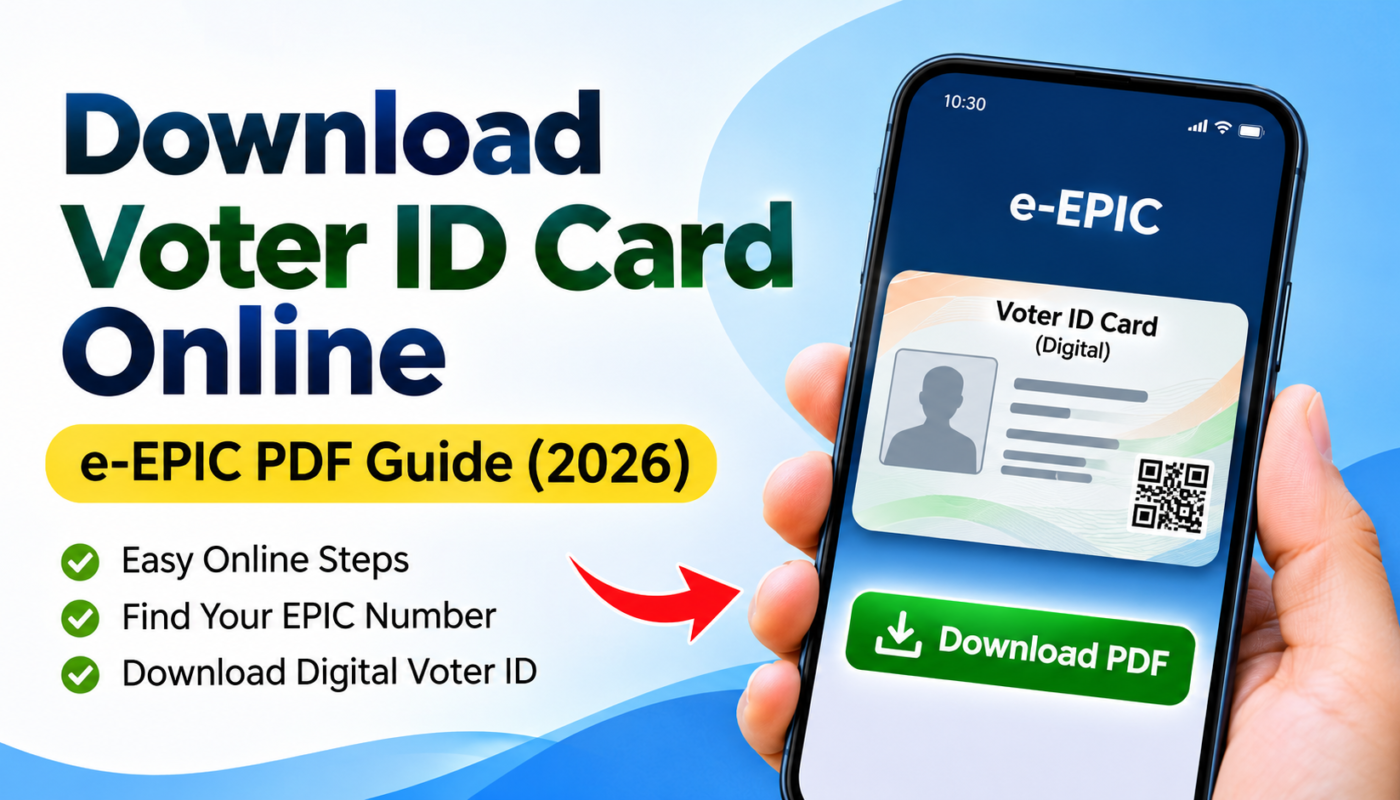
Have you lost your physical Voter ID card, or do you want to keep a digital copy on your smartphone? The Election Commission of India (ECI) provides an online service that allows eligible registered voters to download an electronic version of their Electoral Photo Identity Card, commonly known as e-EPIC.
Through the official Voters’ Services Portal, you can access your digital Voter ID without having to visit an election office solely to download the card.
In this guide, we explain how to download a Voter ID card online in 2026, what details you need, how to find your EPIC number, and what to do if your registered mobile number is unavailable.
What Is an e-EPIC Voter ID Card?
An e-EPIC is the electronic version of the Electoral Photo Identity Card issued by the Election Commission of India.
It is available as a downloadable PDF and serves as a digital version of a voter’s identity card.
The e-EPIC generally includes important electoral identification details such as the voter’s name, photograph, EPIC number and constituency-related information.
It can be saved on a smartphone or computer for convenient access.
However, downloading an e-EPIC does not create a new voter registration. You must already have an eligible electoral record to obtain the corresponding digital card.
What You Need to Download Your Voter ID Online
Before starting the download process, keep the following information ready:
- Your EPIC number, or the relevant application reference number if supported for your record
- Access to your registered mobile number for OTP verification
- A smartphone, tablet or computer with internet access
- An account on the official Voters’ Services Portal
The portal may request additional verification depending on the status of your electoral record.
If your mobile number is outdated or not linked to your voter record, you may need to update it before completing the download.
How to Download Voter ID Card Online in 2026
The Election Commission of India provides an e-EPIC download service through its official portal.
Follow these steps to download your digital Voter ID.
Step 1: Visit the Official ECI Voters’ Services Portal
Open your web browser and visit:
Make sure the website address belongs to the official eci.gov.in domain.
Avoid entering personal information on websites that imitate government portals.
Step 2: Sign In or Register
Select the Login or Sign-Up option.
If you already have an account, sign in using the available credentials.
New users can register by following the instructions on the portal.
You may need to complete mobile OTP verification as part of the sign-in process.
Step 3: Select e-EPIC Download
After signing in, find the option labelled E-EPIC Download.
Select this service to begin retrieving the electronic version of your Voter ID card.
Step 4: Enter Your Voter Identification Details
Enter your EPIC number or another supported reference number, depending on the options shown.
Ensure that the information matches your electoral record.
If the portal requests your state or additional details, provide the correct information.
Step 5: Complete OTP Verification
Follow the verification instructions shown by the portal.
The Election Commission’s support information states that e-EPIC downloads require OTP verification using the registered mobile number.
If you cannot receive the OTP, check whether your registered number is active and correctly associated with your voter record.
Step 6: Download the e-EPIC PDF
Once your details have been verified and the download is available, select the option to download your e-EPIC.
Save the PDF on your device.
You can then open it using a compatible PDF reader.
For privacy, store the document securely and avoid sharing it unnecessarily.
How to Find Your EPIC Number Online
If you do not remember your EPIC number, you can search for your electoral record through the Election Commission’s official Electoral Search portal.
Official Electoral Search Website:
https://electoralsearch.eci.gov.in/
Steps to Find Your Voter Details
- Visit the official Electoral Search portal.
- Choose an available search method, such as Search by Details.
- Enter the requested personal and location information.
- Complete the security verification if prompted.
- Review the matching electoral records.
- Identify your EPIC number and relevant voter details.
The search service also provides options to search by EPIC number or mobile number, depending on the available records and portal functionality.
If you cannot locate your record, recheck the spelling of your name and the constituency information.
You may also contact your local electoral office for assistance.
What If Your Mobile Number Is Not Linked to Your Voter ID?
A registered mobile number is important because the e-EPIC download process requires OTP verification.
If your number is no longer active, or you have changed your phone number, you may need to update your electoral registration details.
The Election Commission provides Form 8 for changes such as corrections to electoral roll entries, shifting of residence and certain other voter-record updates.
You can access the relevant services through the official Voters’ Services Portal.
Depending on the situation, you may also obtain help from your Booth Level Officer (BLO) or Electoral Registration Officer (ERO).
Do not share your OTP with anyone claiming that they can download your Voter ID on your behalf.
Can You Download Your Voter ID Using a Mobile Phone?
Yes. The official Voters’ Services Portal can be accessed using a compatible mobile browser.
You can follow the same general process as on a desktop computer:
- Open the official portal on your smartphone.
- Sign in to your voter services account.
- Select the e-EPIC download service.
- Enter the requested identification details.
- Complete OTP verification.
- Download the available PDF.
The Election Commission also provides mobile access to electoral services, including through its ECINET ecosystem.
The app interface and available functions may change, so check the official ECI website for the current supported application and download methods.
Can You Use e-EPIC Instead of a Physical Voter ID Card?
The e-EPIC is the official electronic version of the Electoral Photo Identity Card.
It provides convenient digital access to your voter identification details.
However, an important distinction must be understood: having a Voter ID card, whether physical or digital, does not by itself guarantee that you can cast a vote.
Your name must appear in the electoral roll for the relevant constituency, and you must satisfy the applicable voting requirements.
Before an election, you should check that your name is present in the electoral roll and confirm the accepted identification requirements for that election.
You can use the official Electoral Search portal to check your voter registration details.
Benefits of Downloading a Digital Voter ID
Convenient Access
A digital copy is useful when you need to check the details printed on your Voter ID.
Easy to Store
You can securely save the PDF on your smartphone or computer for personal reference.
Helpful If the Physical Card Is Misplaced
If you lose access to your physical Voter ID card, an available e-EPIC copy may help you retrieve your card information.
If you need a replacement physical card, the appropriate ECI service should be used.
Access to Other Electoral Services
The Voters’ Services Portal also provides voter registration, electoral search, application tracking and correction services.
These facilities can reduce the need for unnecessary visits to electoral offices.
Common Problems When Downloading e-EPIC
OTP Not Received
Check your mobile network and confirm that you are using the number associated with your voter record.
If the problem continues, consult the official voter services support channels.
EPIC Number Not Found
Verify that you entered the correct number and selected the relevant state or other requested details.
Use the Electoral Search portal to check your registration information.
Download Option Not Available
The availability of the digital card may depend on your record and successful verification.
Check whether the electoral details are correct, and seek assistance from the ECI support service if necessary.
Website Not Loading
Try a different browser or reopen the official portal after some time.
Avoid switching to unofficial websites that request payment or personal identification documents.
Is It Safe to Download Voter ID Online?
Using the Election Commission’s official portal is the recommended way to access e-EPIC services.
Follow these precautions:
- Use official websites ending in
eci.gov.in. - Never share your OTP or account password.
- Do not upload your Voter ID to unknown websites.
- Avoid using public computers to download sensitive identity documents.
- Delete unnecessary copies from shared devices.
- Verify any payment request before proceeding.
A Voter ID contains personal information that should be handled carefully.
Frequently Asked Questions
1. How can I download my Voter ID card online?
Visit voters.eci.gov.in, sign in, select e-EPIC Download, enter the requested voter details, complete OTP verification and download the PDF if available for your record.
2. What is an EPIC number?
The EPIC number is the identification number associated with your Electoral Photo Identity Card.
3. Can I download my Voter ID without remembering the EPIC number?
You can first search for your electoral details through the official Electoral Search portal. A supported application reference number may also be accepted for certain download processes.
4. Is a registered mobile number required?
The ECI’s e-EPIC support guidance states that OTP verification using the registered mobile number is required.
5. Can I download my Voter ID on Android or iPhone?
You can access the official web portal using a compatible browser on either device. Mobile app availability and functions should be checked on the official ECI website.
6. Is downloading e-EPIC the same as registering as a new voter?
No. New voter registration is a separate process, generally handled through Form 6 for eligible applicants.
7. What should I do if my details are incorrect?
Use the applicable correction service on the Voters’ Services Portal, generally through Form 8, or seek assistance from the relevant electoral authorities.
8. Does a digital Voter ID automatically make me eligible to vote?
No. Your name must be included in the applicable electoral roll, and you must meet the requirements for voting.
Official Links for Voter ID Services
Voters’ Services Portal
Direct e-EPIC Download Service
https://voters.eci.gov.in/home/e-epic-download
Search Your Name or EPIC Number
https://electoralsearch.eci.gov.in/
Election Commission of India
Voter Helpline: 1950
Always use the official ECI portals when submitting personal details or accessing government services.
Conclusion
The e-EPIC service makes it easier for eligible registered voters in India to access a digital copy of their Voter ID card.
By visiting the official Voters’ Services Portal, checking your electoral information and completing the necessary OTP verification, you can download your e-EPIC when it is available for your record.
Remember to verify your name in the electoral roll before an election and keep your downloaded identity document secure.
Disclaimer: This article is an independent informational guide published for public awareness. This website is not affiliated with, sponsored by or endorsed by the Election Commission of India or any government department. Portal procedures, eligibility conditions and available features may change. Please refer to the official ECI website for current instructions.