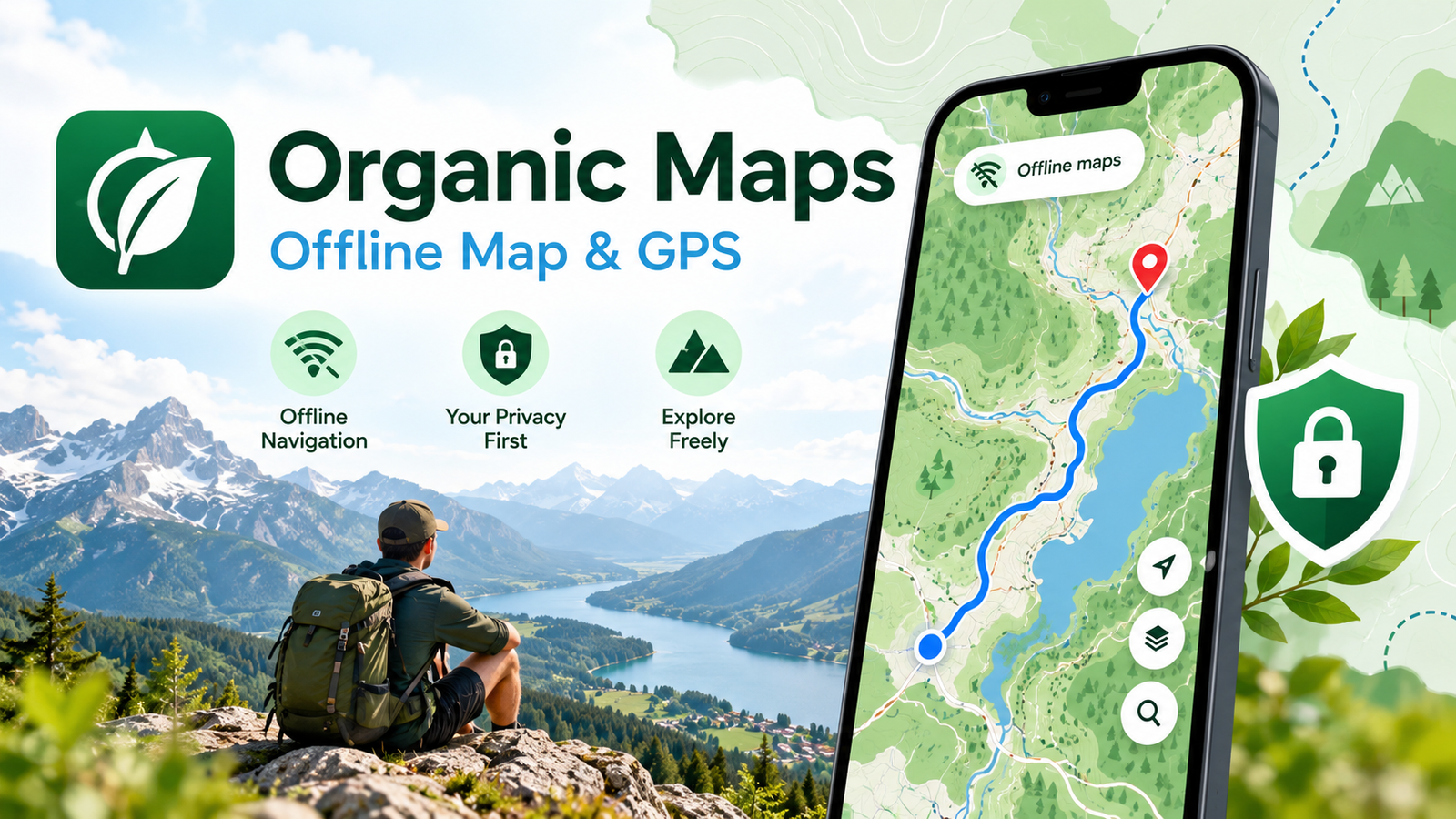
Organic Maps: A Free Offline GPS Navigation App for Travel, Driving and Hiking
Imagine travelling through a beautiful mountain road, exploring a remote village or visiting another country when your mobile internet suddenly stops working. Without a reliable navigation system, even a simple journey can become stressful.
This is where Organic Maps, a free offline GPS navigation application, can make a difference.
Organic Maps allows users to download maps in advance and access directions without a continuous internet connection. Designed with privacy in mind, the app combines detailed maps, walking routes, cycling paths, and driving navigation in a simple interface.
Available for Android and iPhone, Organic Maps is particularly useful for travellers, outdoor enthusiasts and anyone looking for an alternative to internet-dependent navigation.
What Is Organic Maps?
Organic Maps is a free, open-source mapping and navigation application built using geographical information from OpenStreetMap.
OpenStreetMap is a collaborative mapping project supported by contributors around the world. Its data includes roads, walking paths, buildings, public facilities and many other useful locations.
Unlike navigation services that depend heavily on online connectivity, Organic Maps allows users to save regional maps directly on their smartphones.
Once the required maps are downloaded, users can search for places, identify their location and calculate supported routes without mobile data.
The application also focuses on user privacy. According to its developers, Organic Maps does not include advertising trackers or collect personal information for advertising.
Why Should You Consider an Offline Navigation App?
Internet access is not always available during travel.
Mountain regions, forest areas, rural roads and international destinations may have limited or expensive mobile connectivity. Even in cities, temporary network interruptions can make online navigation inconvenient.
An offline map provides a practical backup.
For example, someone travelling through the Western Ghats in Kerala may encounter locations with weak mobile signals. A previously downloaded regional map can help them identify nearby roads and navigate along mapped routes.
Similarly, international travellers can reduce their dependence on mobile roaming by preparing maps before leaving home.
Organic Maps is designed for these situations, although its usefulness depends on the availability and accuracy of the map data for the selected location.
Important Features of Organic Maps
1. Download Maps for Offline Use
One of the application’s most valuable features is the ability to download maps of different countries and regions.
These maps remain accessible on the device after downloading. Users can zoom in, explore roads and search for mapped locations without an active internet connection.
Map downloads and updates themselves require internet access.
2. Turn-by-Turn GPS Navigation
Organic Maps supports route guidance for different types of journeys, including driving, walking, hiking and cycling.
Depending on the route and device, users can access voice-guided directions and other navigation assistance.
This makes the application useful for everyday travel as well as planned outdoor trips.
3. Hiking and Cycling Information
For people who enjoy outdoor activities, Organic Maps provides more than ordinary road maps.
Its mapping features include walking paths, cycling routes, hiking trails, terrain information and elevation-related details where supported.
These features can help travellers explore mapped outdoor routes and understand the surrounding landscape.
However, outdoor conditions can change, and an offline map should never be the only safety resource during difficult or remote expeditions.
4. Search for Places Without Internet
After downloading the appropriate map, users can search for available locations within that region.
Depending on the OpenStreetMap data, searchable places may include:
- Hospitals and healthcare facilities
- Restaurants and accommodation
- Fuel stations and parking areas
- Public attractions and landmarks
- Shops and other local services
The accuracy and completeness of these listings can vary by location.
5. Privacy-Focused Design
Privacy is a major reason some users prefer Organic Maps.
The project describes itself as an application without advertisements, tracking or personal data collection.
Because Organic Maps is open-source, its software can also be examined by developers and independent security researchers.
These characteristics make it an appealing choice for people who prefer navigation without advertising-based personal profiling.
6. Save Favourite Places and Routes
Organic Maps includes bookmarks and route-management features that help users organize important locations.
Travellers can save destinations such as hotels, tourist attractions, trail entrances and parking locations for future reference.
The app also supports compatible geographical file formats such as GPX, KML, KMZ and GeoJSON for importing or exporting certain location and route information.
How to Download and Use Organic Maps
Getting started with Organic Maps is straightforward.
Step 1: Install the application
Open the official Google Play Store or Apple App Store and search for Organic Maps.
Alternatively, use the official download links provided below.
Step 2: Open the app and select a location
After installation, open Organic Maps and choose the country or region you want to explore.
Step 3: Download the required offline map
Connect to Wi-Fi or mobile internet and download the map for your destination.
Confirm that your device has enough available storage.
Step 4: Enable location services
Allow the application to access your device’s location when necessary for navigation.
Step 5: Search for your destination
Enter the name or address of the destination, or select a location directly from the map.
Step 6: Choose your travel mode
Select an available route type, such as driving, walking or cycling, and begin navigation.
Before travelling to an area without connectivity, test the downloaded map and planned route while you still have internet access.
Organic Maps vs Google Maps: What Is the Difference?
Both applications can be useful, but they serve somewhat different needs.
Google Maps offers a broad collection of online services, including traffic information, business information and offline maps for supported areas.
Organic Maps puts greater emphasis on offline navigation, open-source development, outdoor routes and a tracking-free experience.
Organic Maps may be especially attractive to hikers, cyclists and travellers who prefer a simple offline map.
However, users who depend on real-time traffic conditions, frequently changing business information or live transport services may still need an internet-connected navigation solution.
Instead of treating one app as a complete replacement for the other, travellers can keep both available for different circumstances.
Does Organic Maps Work Without Mobile Data?
Yes. Once the required regional maps have been downloaded, Organic Maps can provide offline map viewing, location search and supported GPS navigation.
A smartphone’s GPS receiver can determine location without mobile internet, although obtaining an initial location fix may sometimes take longer.
The app cannot automatically obtain newly updated maps while completely offline.
Features that depend on live external information may also be unavailable without connectivity.
Limitations You Should Know
Although Organic Maps is useful, no mapping application is perfect.
Some areas may contain missing roads, outdated information or incomplete points of interest. The quality of maps depends partly on contributions to OpenStreetMap.
Offline navigation also cannot provide real-time road closures, unexpected traffic conditions or constantly updated local information in the same way as connected services.
For remote hiking, travellers should carry suitable backup navigation resources and follow local safety guidance.
Keeping offline maps updated before a trip is always recommended.
Is Organic Maps Free?
Yes. Organic Maps is available as a free application.
Its developers describe the app as open-source, advertisement-free and focused on privacy.
Users can download maps and access supported navigation features without purchasing a subscription.
The project is community-driven and accepts voluntary contributions to support development.
Download Organic Maps for Android and iPhone
Organic Maps is available through official application stores.
Download Organic Maps
Free Offline Maps & GPS Navigation
✓ Free ✓ Offline GPS ✓ Privacy Focused
External links to official app stores. This website does not host app files.
For safety, use trusted official download sources rather than unknown websites offering modified application files.
Frequently Asked Questions
Is Organic Maps completely free?
Yes. The application is free to download and use, with no mandatory paid subscription for its core mapping and navigation features.
Can I use Organic Maps without a SIM card?
Offline maps and GPS navigation can work without a SIM card, provided the required maps have already been downloaded and the device can obtain a GPS location fix.
Is Organic Maps available for Android and iOS?
Yes. Official versions are available for supported Android devices and Apple devices.
Can Organic Maps show hiking routes?
Yes. It includes mapped hiking trails, walking paths and terrain-related information where available.
Does Organic Maps show live traffic?
Organic Maps is primarily designed for offline navigation and is not intended to replace connected services offering real-time traffic information.
Do I need to download maps before travelling?
Yes. Download the required regional maps while you have internet access, particularly if you expect limited connectivity during your trip.
Final Thoughts
Organic Maps offers an interesting combination of offline navigation, detailed community-maintained maps and a privacy-focused approach.
It is particularly valuable for travellers who want access to routes without relying on a continuous mobile internet connection.
Whether you are exploring a new destination, cycling through unfamiliar roads or preparing for an outdoor adventure, keeping an offline map on your smartphone is a sensible precaution.
Download Organic Maps from its official app store listing, save the maps you need and explore with greater confidence.
Disclaimer: This article is an independent informational guide and is not sponsored by or officially affiliated with Organic Maps. App features, availability and compatibility may change with future updates.